|
Depeche View loads all text files from a .zip, .tar.gz,
.tar.bz2 or .jar file, showing them all in a single window,
as if they were one large text.
The tool can even view nested archives within archives,
e.g. a .jar file embedded within a .zip file.
This makes it extremely helpful for programmers
who need to get a quick overview in downloaded
Open Source packages, to check if they contain
a solution for a specific technical issue.
But of course it is also helpful for anyone who wants
to check quickly the contents of some archive file,
either downloaded from the web, or on hard disk.
High Speed Open Source Research
An example session with Depeche View Pro:
-
I need example source code on how to write a video player.
I go to sourceforge.net and search for "video player".
I get a list with 300 results.
There is an "Open Video Player", presenting a
download button "ovp-sl-2.3.1-src.zip". That means
the presented file contains source code in a .zip package,
so let's try. I click on that button.
-
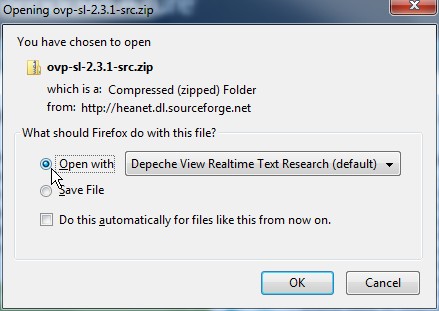
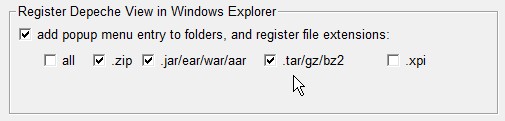
Because I registered Depeche View to handle .zip file extensions,
Firefox asks me "download or open with Depeche View"?
And I click on "Open".
-
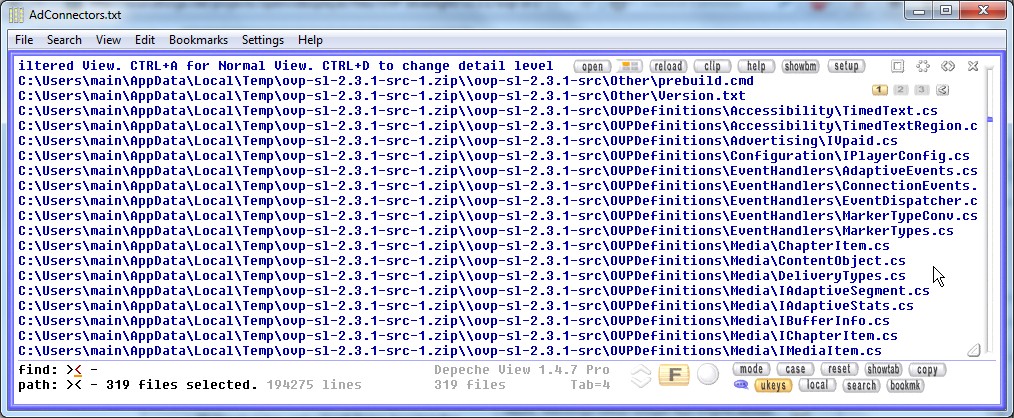
The file is downloaded and opened in Depeche View Pro immediately,
presenting 319 text files.
Clicking the Filter button
 gives me the list of filenames. Unfortunately, the project does not use
C++, but ".cs" files, meaning Microsoft Visual C# code.
But I want a C++ or C example, so I press Escape and ignore
that package. Depeche View saved me lots of time,
as I didn't have to extract the package at all.
gives me the list of filenames. Unfortunately, the project does not use
C++, but ".cs" files, meaning Microsoft Visual C# code.
But I want a C++ or C example, so I press Escape and ignore
that package. Depeche View saved me lots of time,
as I didn't have to extract the package at all.
-
back into the SourceForge result list.
I see "xine-lib-1.1.19.tar.bz2".
Let's try that.
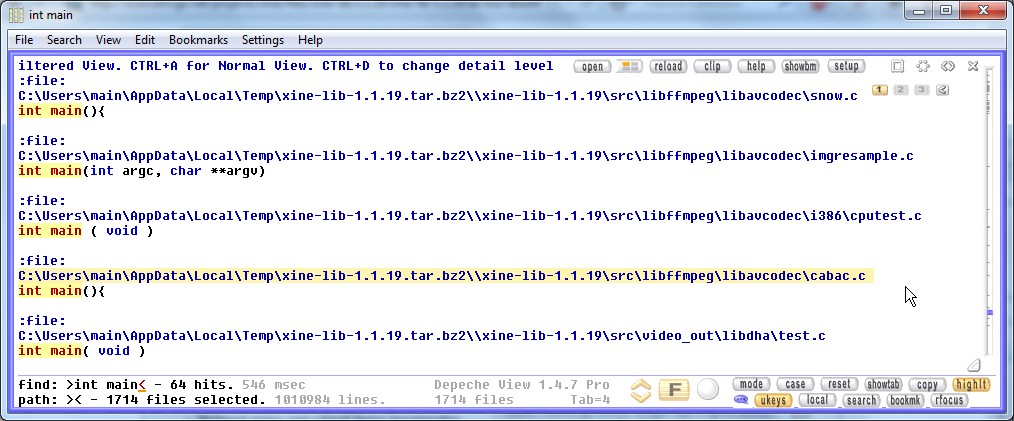
As Depeche View comes up, the file list says: it's C source code!
-
so I type "int main" and click on the
button,
to find main programs that can be taken as a
research starting point.
|
 | | step1 clicking on a download button |
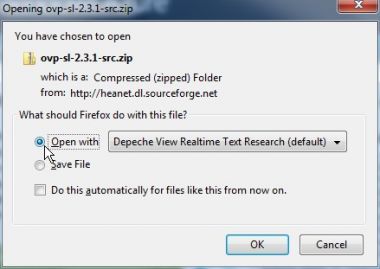 | | step2 let it open immediately in Depeche View Pro |
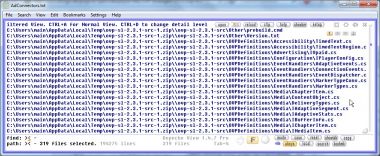 | | step3 file list tells it's the wrong programming language |
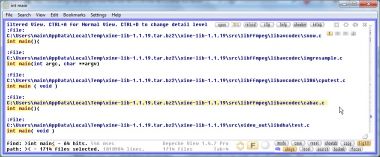 | | step4 next source code package, searching "int main". |
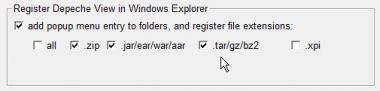 | | registering DView to open .zip files directly. |
|