The Depeche View Text File Search Tool
loads all text files from a folder, showing all content in one window. It is used to search and analyze huge amounts of text, like office .docx .xlsx .pptx .odt .ods, source code, XML data, CSV data, log files and documentation as fast as possible.
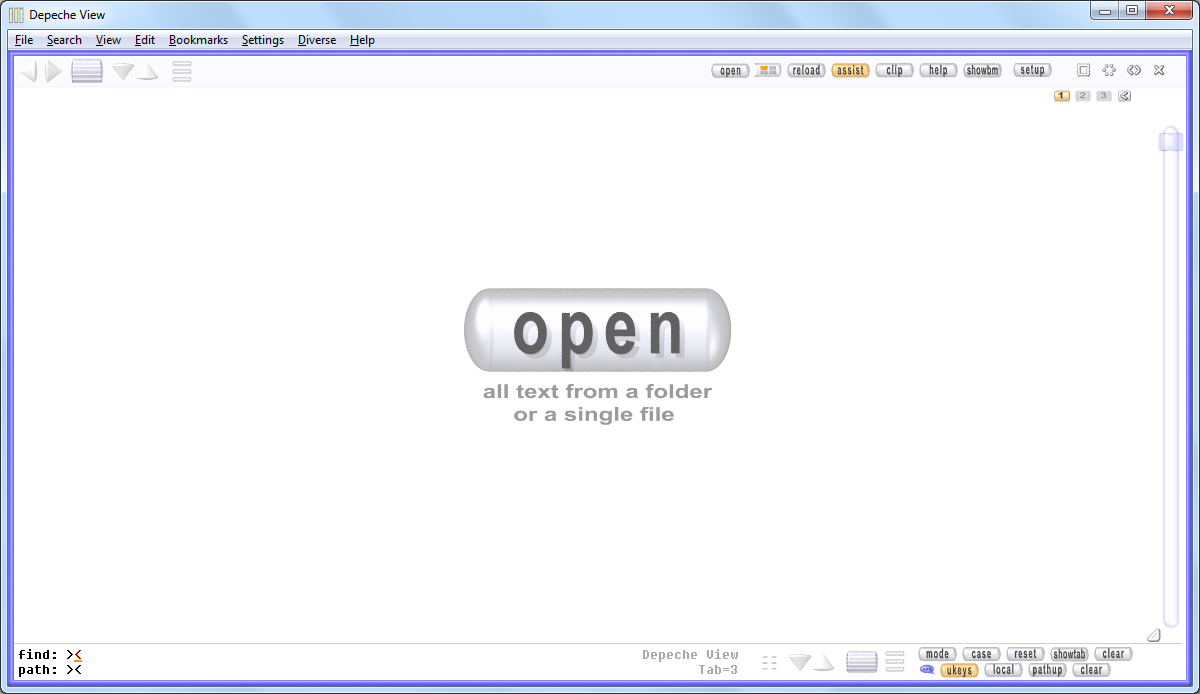
startup
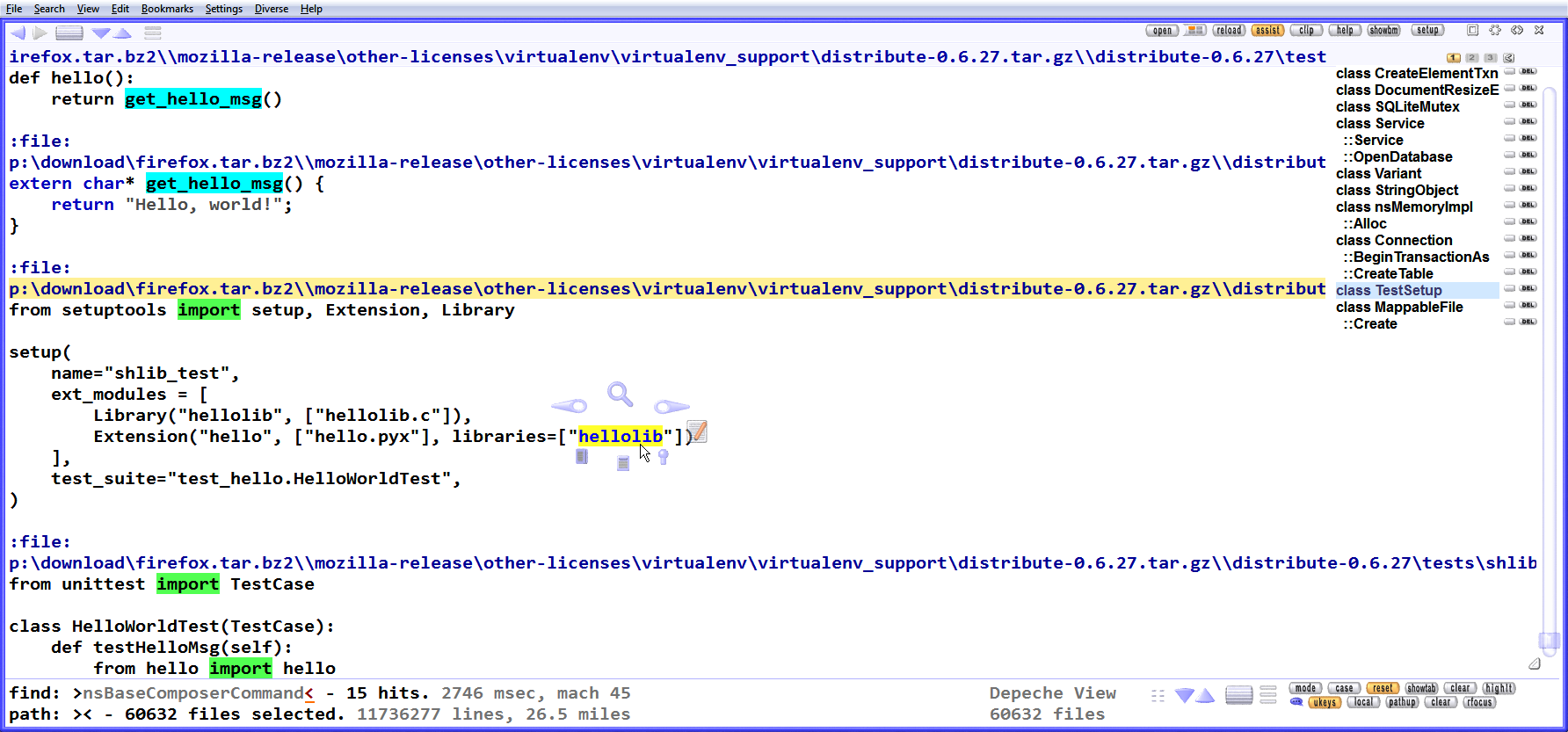
all in one view
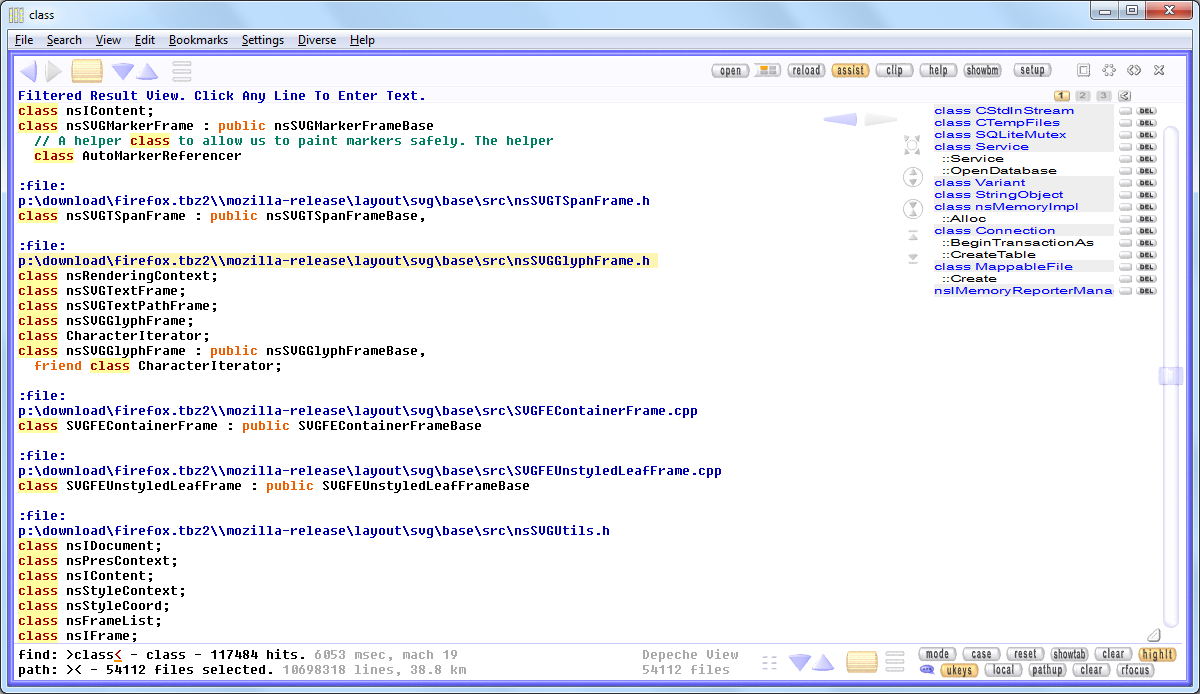
searching
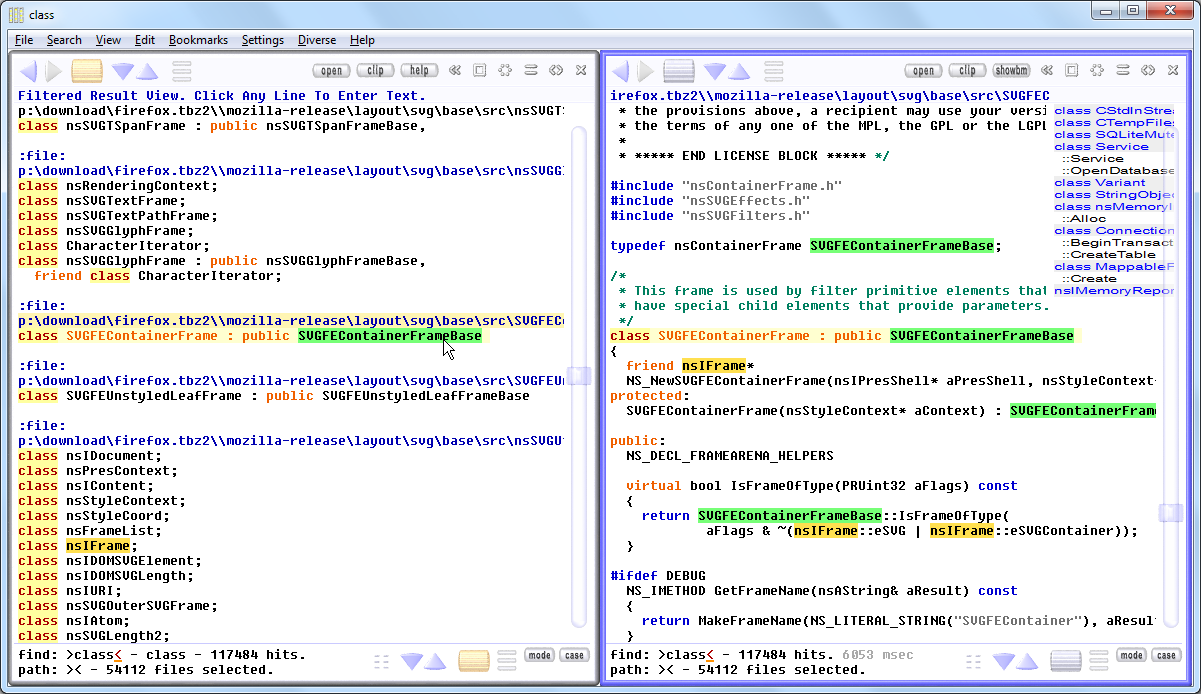
two views

|
Depeche View Base
The Coolest Freeware Editor.
If this tool is useful |
|
Depeche View Professional
Realtime Research and Development.
|
The current version is 1.7.7.
View the list of recent changes here.
All In One Window: The Total Text Perspective.
Depeche View is the world's only application that shows thousands of text files in a single window, allowing a realtime flight over huge amounts of text.
|
Classical Text Editor or IDEEditor
|
Depeche View
|
|
|
|
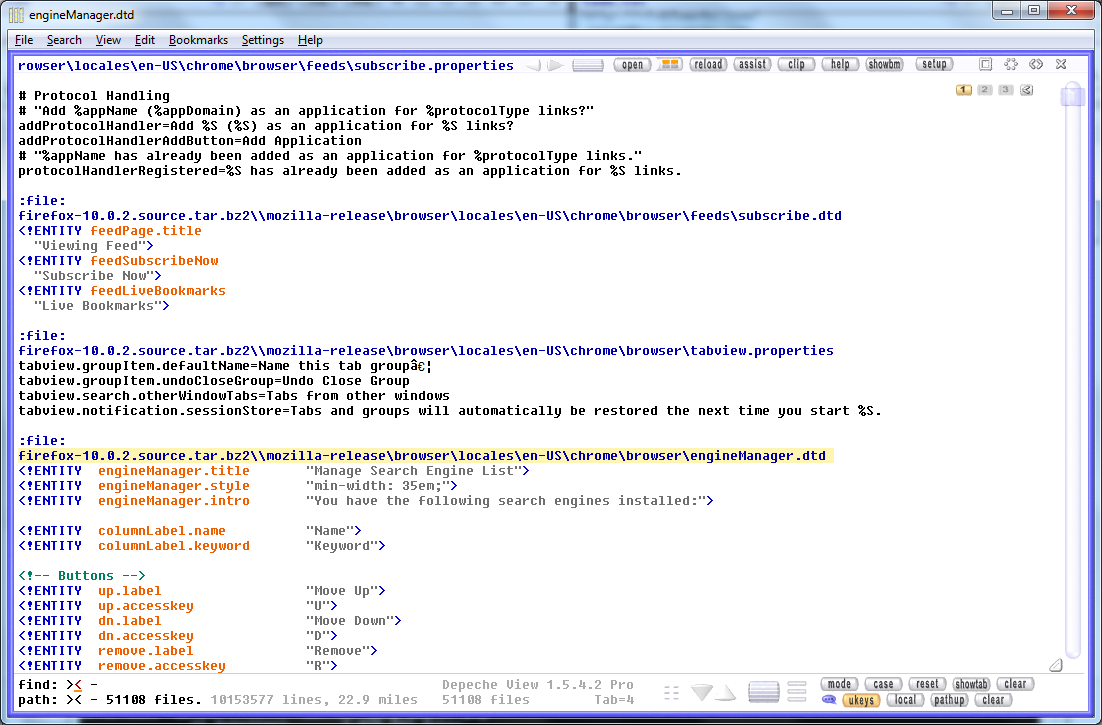
All In One Window, Three Times Side By Side.
Depeche View does not only show everything in one window, it can also provide multiple points of view to the same global text, in multiple windows.
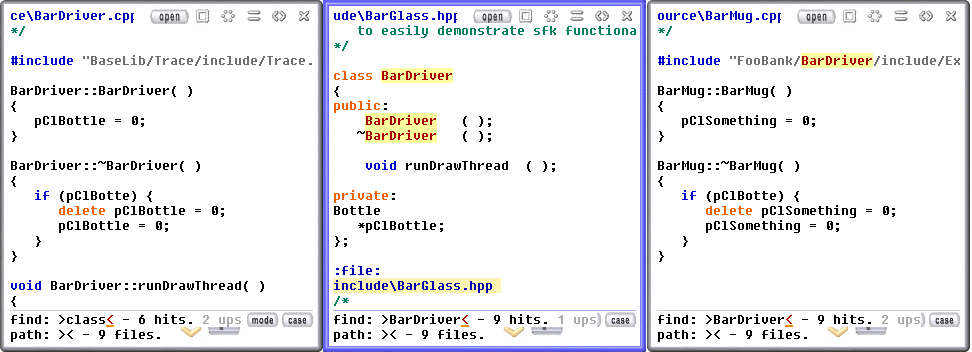
And that's what you need everyday: read two parts of text side by side, no matter if it's in the same file, or in two separate files - to track dependencies between text, or to quickly copy and modify text parts between files.
Forget about dragging window borders.
Depeche View comes with a fixed window layout.
New windows are created by a click on the
 create view button,
and are arranged instantly side by side, as shown above.
create view button,
and are arranged instantly side by side, as shown above.
Find As You Type.
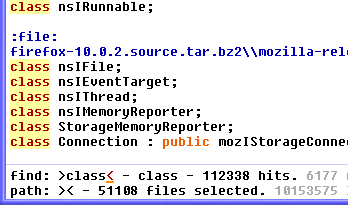
Why open a dialogue, then type something, then press ENTER for every searched word? What a waste of time! Depeche View finds everything instantly as you type.

| Type a word into the FIND mask at the screen bottom. |
|
As soon as you stop typing, you get the list of results,
no matter in what text file.
Clicking into one of the result lines jumps to that text location. |

| Press INSERT to clear the FIND mask, then type the next word to search. |
Find As You Click.
If you want to search a word which is displayed already on screen, most text editors offer to select this by a double click, and then search it by some hot key. This is a two step operation that actually requires three input events. Repeated a hundred times a day, it's another waste of time.
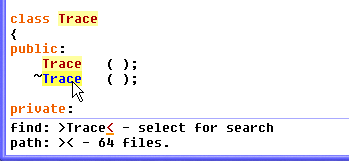
With Depeche View, a single SHIFT+click on a word searches it instantly, across all files, either in the current window, or in a second window (by a right button click). This allows realtime jumping through huge amounts of text, searching many different words in the shortest possible time.
Fly over search results.
To fly over all hits for the current search, press F3. You will step over every occurrence in every file. Again, no dialogue boxes, you don't have to click or press anything to change between files.
Fly over text by Grab And Drag.
To surf over text, click anywhere into the text, keep the left button pressed, then pull the mouse down or up. Forget about exact, time-wasting clicks and drags of scrollbar buttons. DView gives you touchscreen feeling without a touchscreen!
One Click Copy, Bookmark, or Edit.
Fast text research requires elimination of two-step operations. In Depeche View, words or phrases can be copied to the clipboard instantly by a single click, while keeping the CONTROL key pressed.
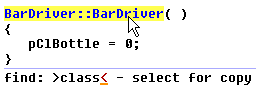
And whereever you are, text can be edited with a double click (default with active assistance mode), or even just a single click (one click edit for advanced users).
Keys sorted by frequency.
Press F1 anytime to switch between multi-view and maximized mode. It's F1 and not some other key, because switching between these two view modes is the function used most frequently within Depeche View - therefore it uses the key easiest to reach.
One Click Interface Revolution.
Depeche View is proud to break with slow, cumbersome standards used by classical text editors, Notepad/Word, or Intergrated Development Environments. Instead, it comes with a unique one-click user interface, optimized for one thing only - speed, speed, and nothing but speed.
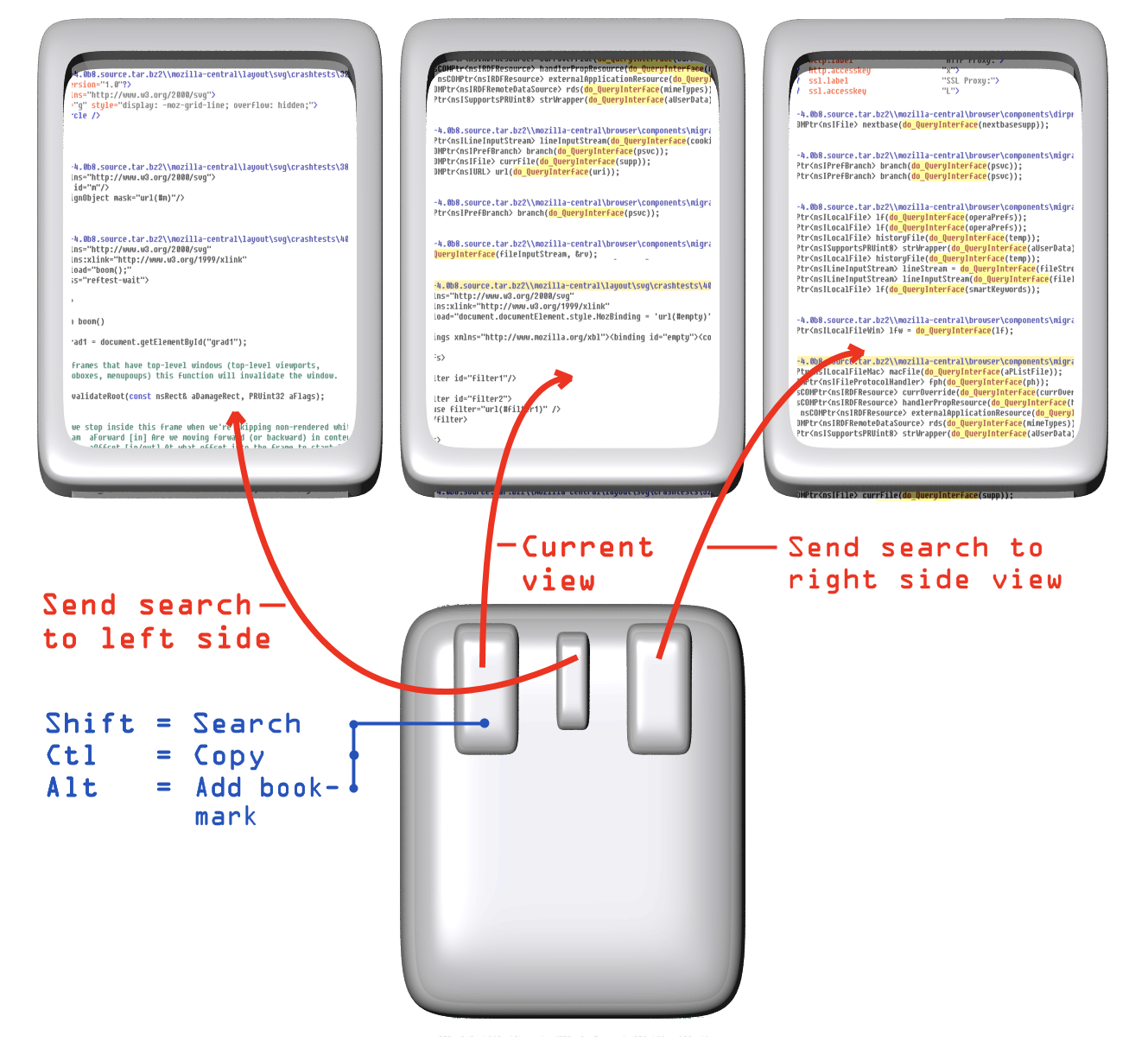
Of course, this requires a short training. You have to remember three keys:
- SHIFT key together with a mouse button Searches Text.
Remember that both SHIFT and Search start with "S".
- CONTROL key together with a mouse button Copies Text.
Remember that both CONTROL and Copy start with "C".
- ALT key together with a mouse button Adds Another Bookmark.
And unlike any editor, Depeche View actually uses
all three mouse buttons:
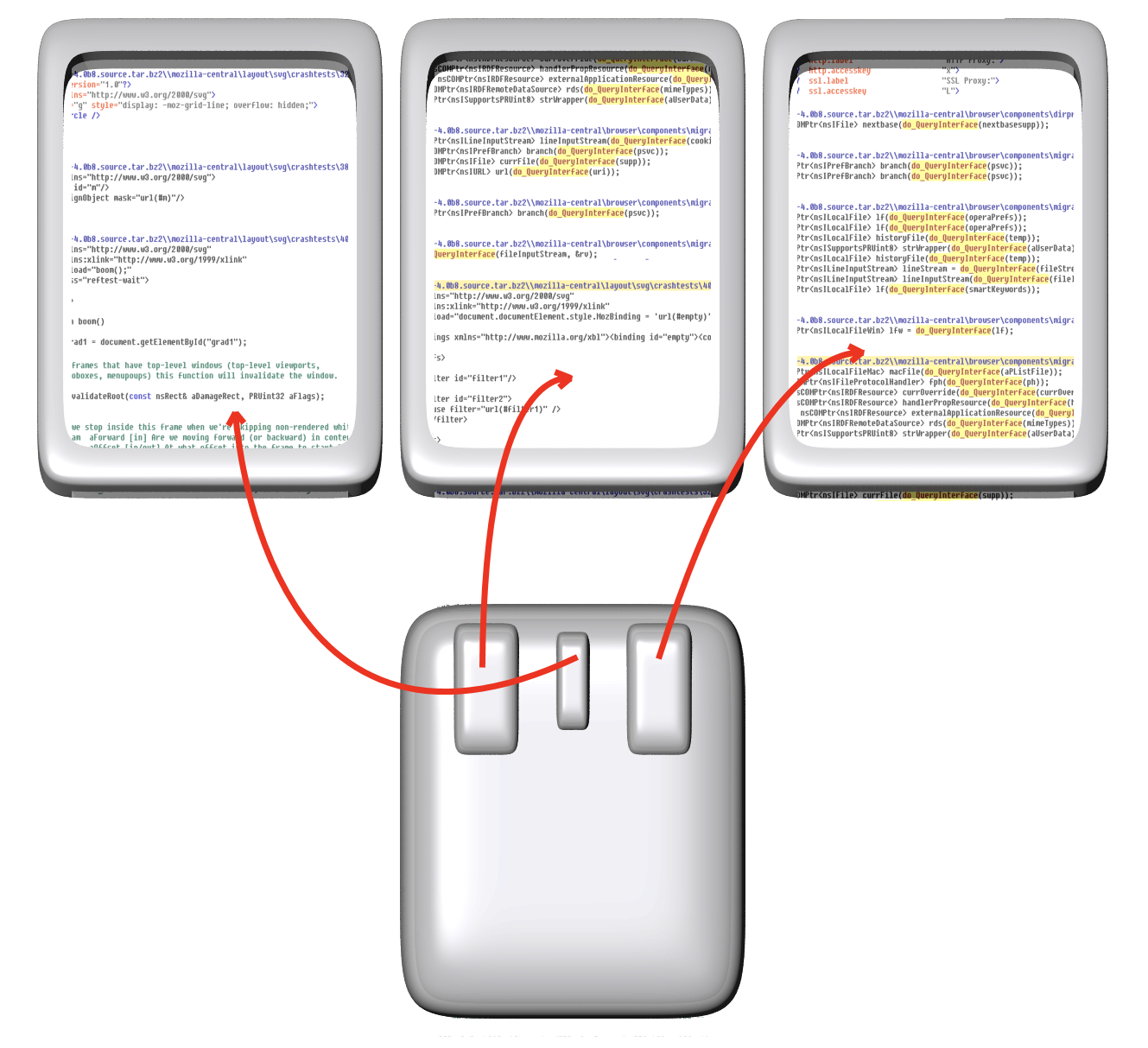
- LEFT MOUSE BUTTON searches or copies in the current view.
- RIGHT MOUSE BUTTON searches in a different view at the right side.
- MIDDLE MOUSE BUTTON searches in a different view at the left side.
Furthermore, to fly over a thousand text files, just keep the left mouse button pressed, then drag your mouse vertically. This is the way smartphones and touch pads do it nowadays, and it's the way Depeche View did it always.
Much More Than A Search Tool.
Further Depeche View Pro features:
- Instant Syntax Highlighting for C++, Java, HTML and PHP files.
- Extend Syntax Highlighting by further languages through a configuration file.
- On the fly Text Editing.
- Search Term Auto Suggest. The tool creates a dictionary of all words (with five characters or more) on the fly, and as you type, words are suggested for searching.
- Up to nine sets of bookmarks.
- Directly load, view and search contents of .zip, .tar.gz and .tar.bz2 files. Great for software developers who need to search in many Open Source projects for some technical solution.
- Highlight words and phrases in different colors.
- Extended search expressions: search words at line start, line end, full words.
- Search expressions to search TAB separated database exports, like "search in the 3rd column only".
- User script commands on self defined hot keys. Run self-defined search expressions on words, call external programs, and display text result files written by external programs.
- User scripts on extended mouse buttons, including nine extended buttons of a Razer Naga mouse.
Especially the scripting features allow software developers to replace their IDE by calling command line compilers and monitoring their text outputs. (For details, create a config file in Depeche View, then search for the "runback" and "monitor" commands.)
Further reading |

|
Help requests, Bug reports and Open discussion
can be submitted in the SFK forum. You may have to create a free account at sourceforge, or use your OpenID. Depeche View is based on Swiss File Knife technology for loading file trees and supports the same options as sfk's snapto command. For software download sites, a PAD file is available here.
Image material for print magazines and blogs:
All images can be used in whole, in part or in post-processed form within articles about Depeche View.
|
|
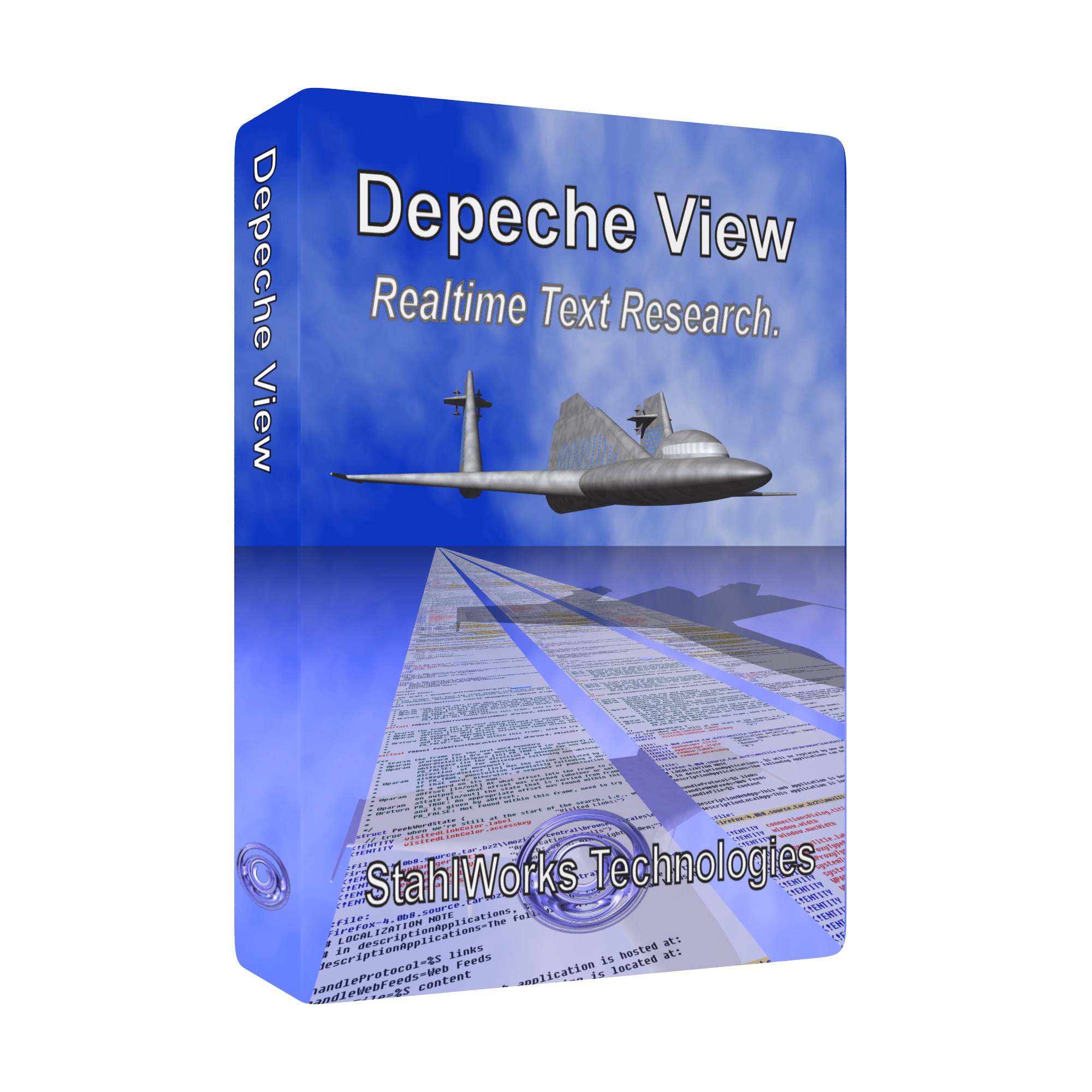
Depeche View box shot as
transparent PNG
Depeche View box shot as white background JPEG Box shot front background image as PNG Box shot skyless front image transparent PNG |
|
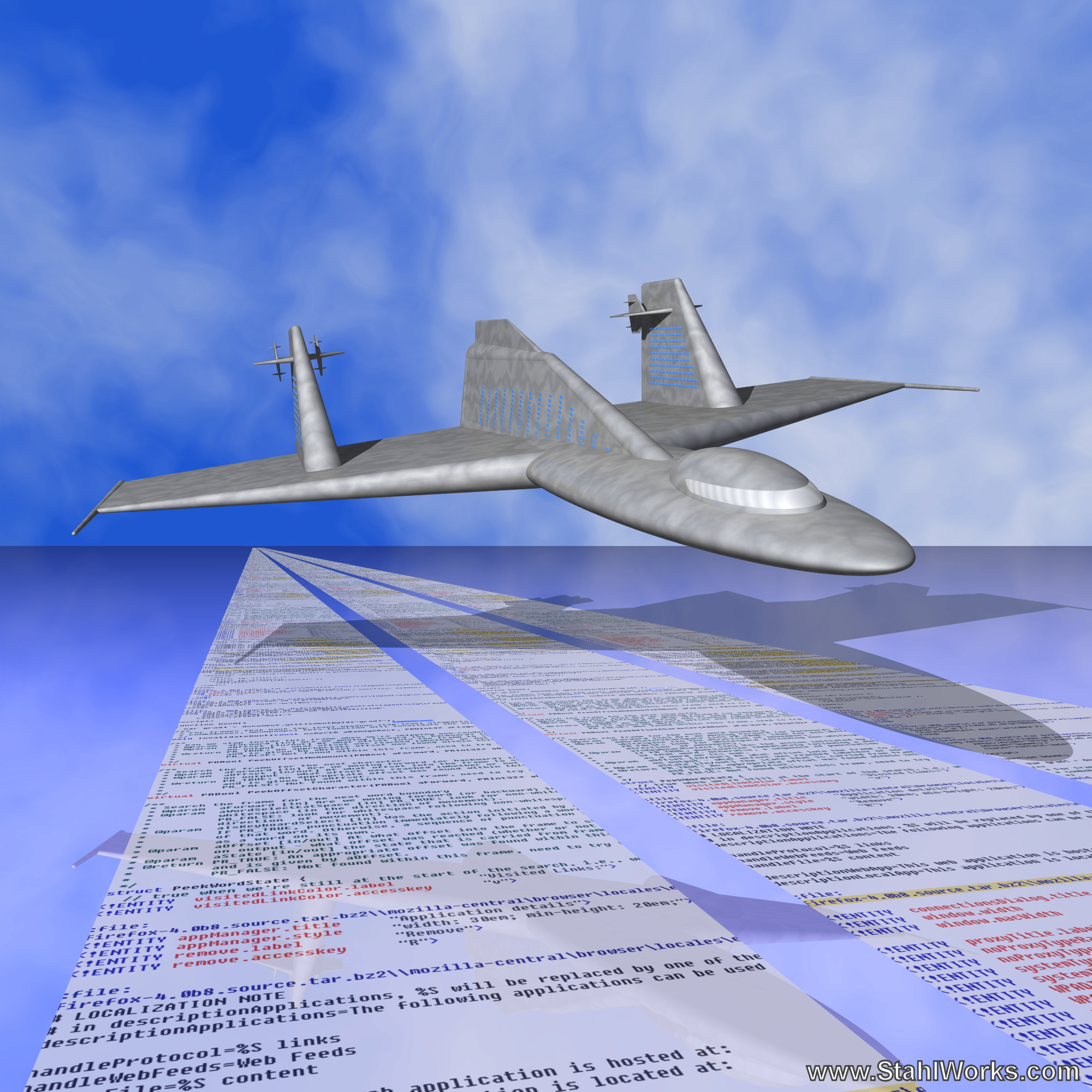
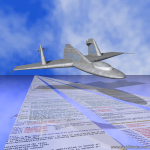
Flying over text at high speed
Alternative schematic image as transparent PNG
Text landscape without airplane
as PNG
|
|
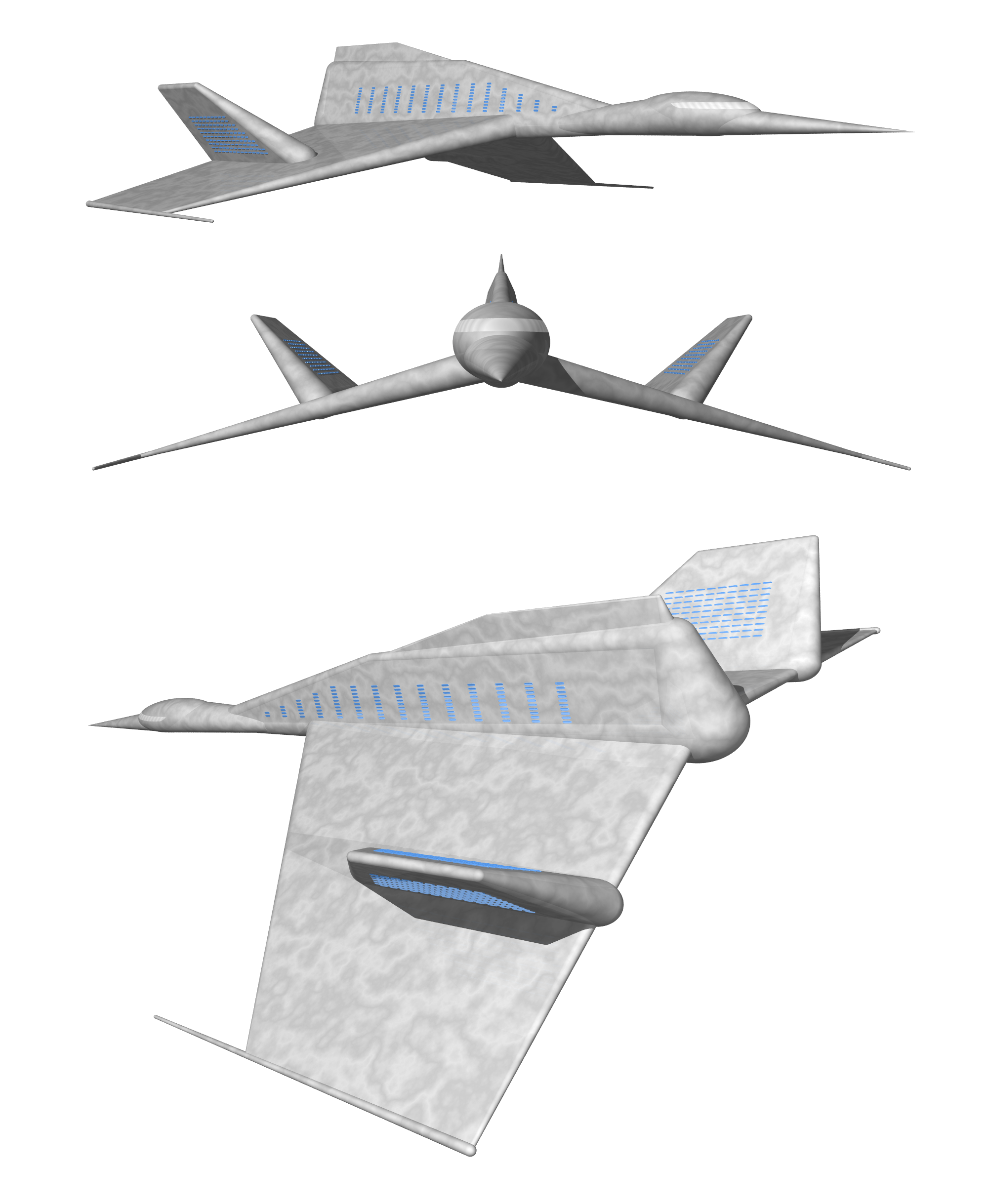
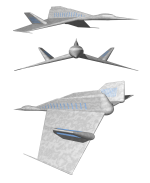
StahlWorks STW-154 Supersonic Search Plane
Eye catching airplane model for articles. Views from multiple angles in one transparent PNG |
|
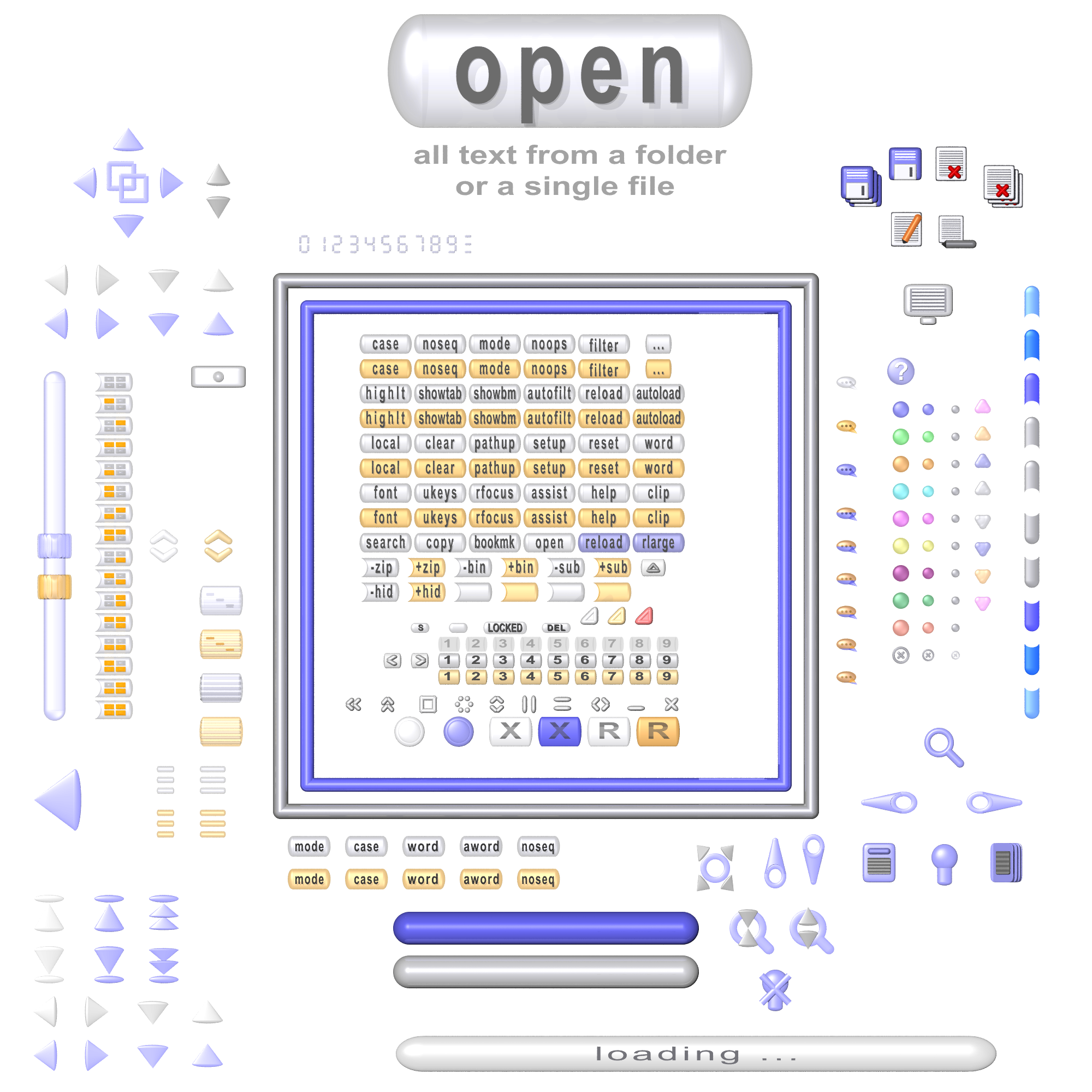
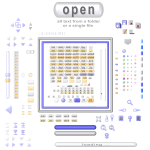
Depeche View GUI elements as a
for easy reference within articles.
|
|
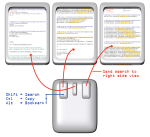
The Depeche View One Click Input Scheme:
Instead of using assistance mode with the function popup menu, basic features like word search, copy or bookmark creation can all be done by one click combined with Shift, Control or Alt. This image gives an overview of this scheme with three views (windows) and a mouse. |